Teacher Inquiry, Download Course List/Email Coursemates
Access the Course List
Access the school Academic Information System → Courses, Grades → Attendance List.
You can view the list of coursemates (including student photos), print the list, email it to coursemates, or download the list at any time.
The list reflects the most up-to-date enrollment during each course selection stage.
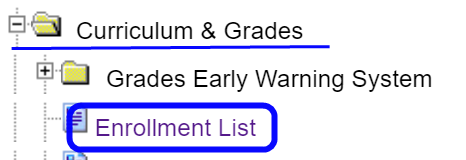
View the Course List
Click to view the course list or download it, then choose your preferred sorting option.
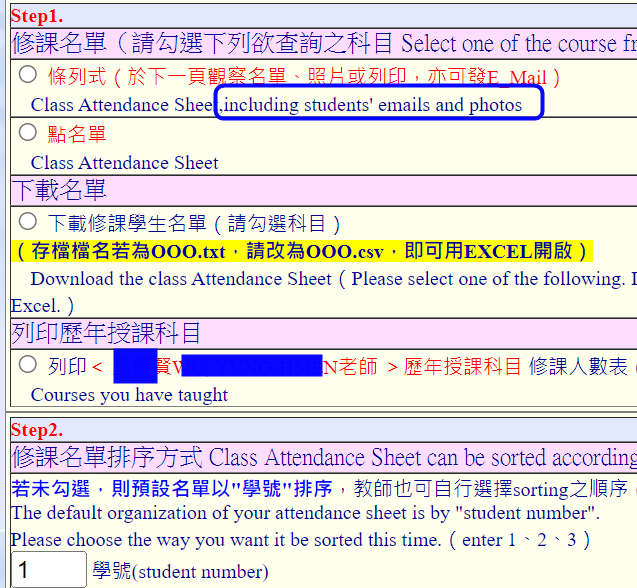
Email Coursemates

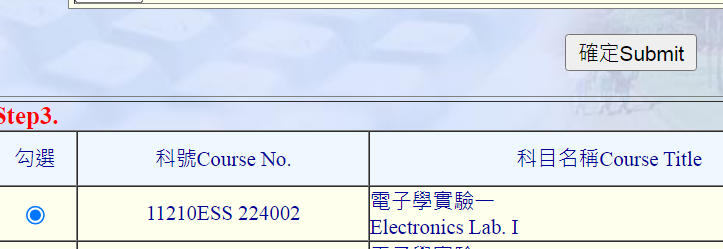
 Select course
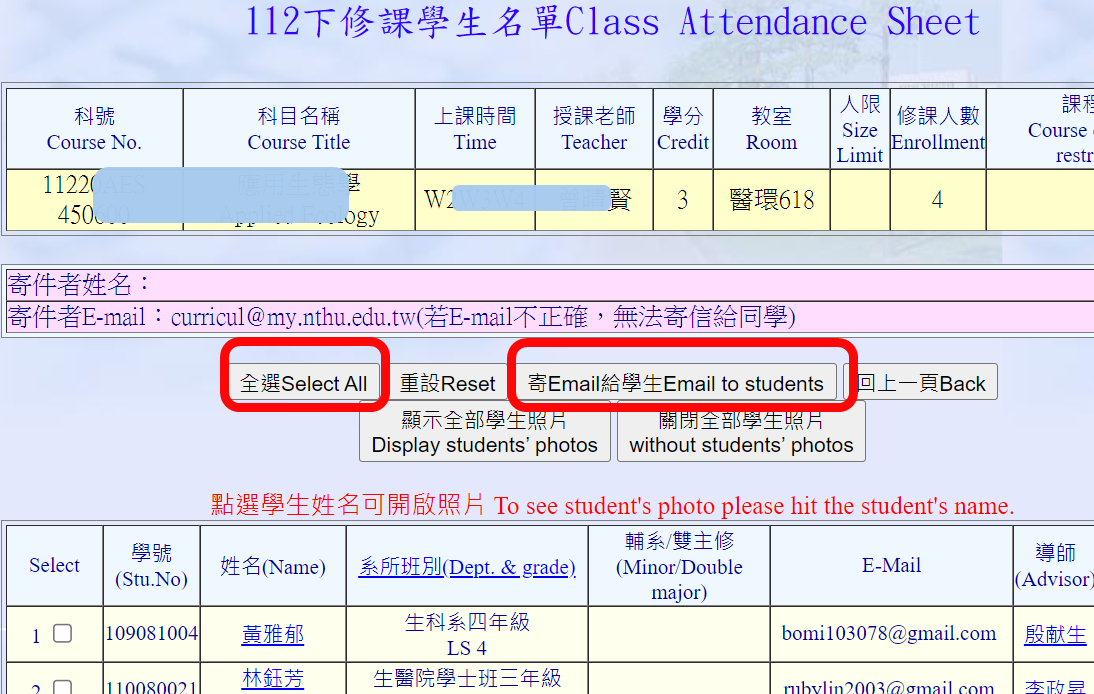
Sending Address Guidelines
In today’s digital age, email systems face threats such as spam, malware, and phishing. To enhance security, providers like Gmail, Hotmail, and Yahoo apply strict filtering measures, which may sometimes misclassify legitimate emails as spam or reject them.
To ensure successful delivery, please use one of the following sender addresses when emailing coursemates:
- mx.nthu.edu.tw
- my.nthu.edu.tw
How to Change Your Sender Address
- Log in to the School Information System.
- In the left sidebar, select Personnel Management System.
- Under Personal Information, update your primary email address.
- Wait about 1 hour for the new address to take effect.
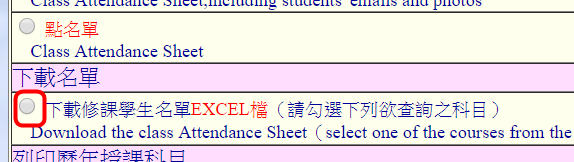
Download the Course List
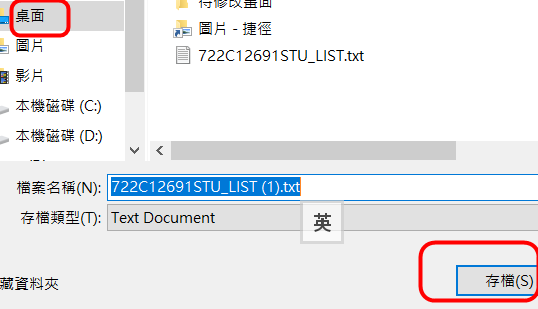
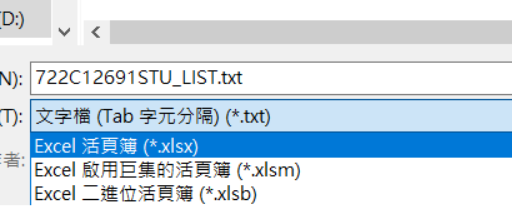
To download the list, right-click and select Save Target As. If saved as .txt, rename the file to .csv for opening in Excel.
Note: Browsers display different save dialogs. See below for examples.
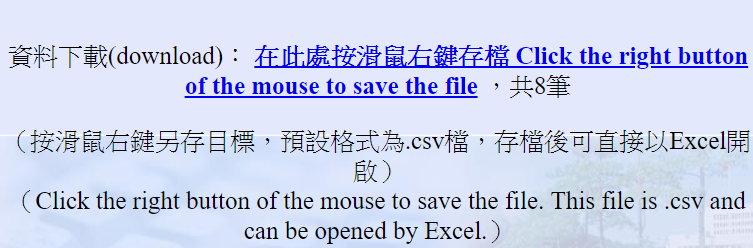
Using IE or Firefox
Right-click and save → default format is .csv, which opens directly in Excel.
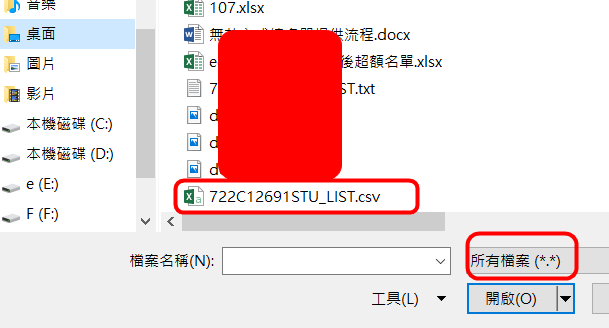
Using Chrome
Chrome saves the file as .txt. To open in Excel:
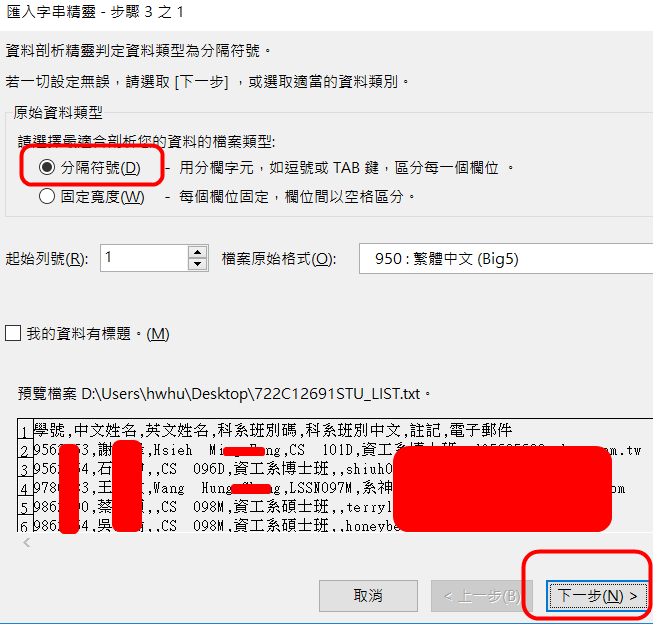
- Select Open Existing File.
- Choose All Files (.) format.
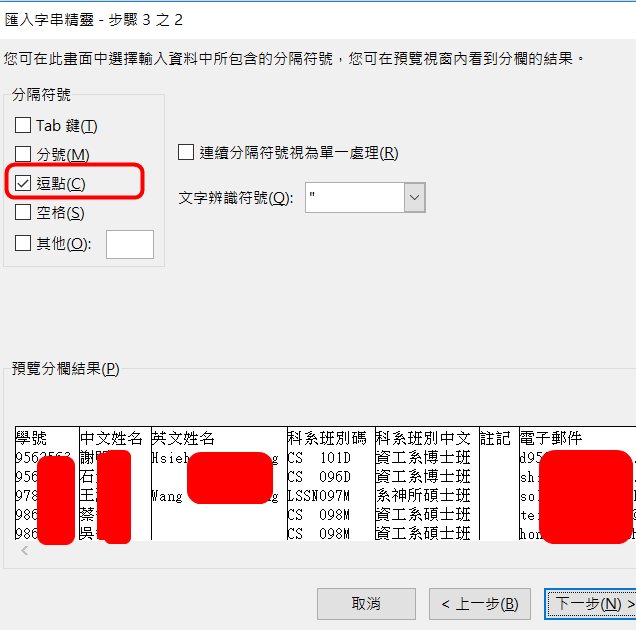
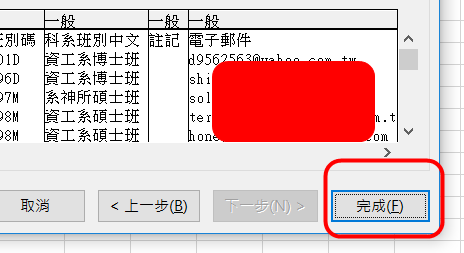
- Go through the wizard: Separator → Next → Comma → Next → Finish.